
Play Rocket Queen Online at 1win
Rocket Queen is a fast-paced crash game that has captured the attention of Ghanaian players looking for quick rounds and high win potential. Built by 1Win Games, it delivers an RTP of 97.2% and low-to-medium volatility, making it ideal for both cautious bettors and those chasing bigger payouts. We offer you a 500% bonus up to 6,560 GHS on your first four deposits, or 600% if you deposit with crypto. 1win platform holds a valid casino license and supports local payment methods like Telecel and AirtelTigo. Players in Ghana love Rocket Queen for its simple rules, transparent mechanics, and the ability to cash out winnings fast.
1win Rocket Queen Review
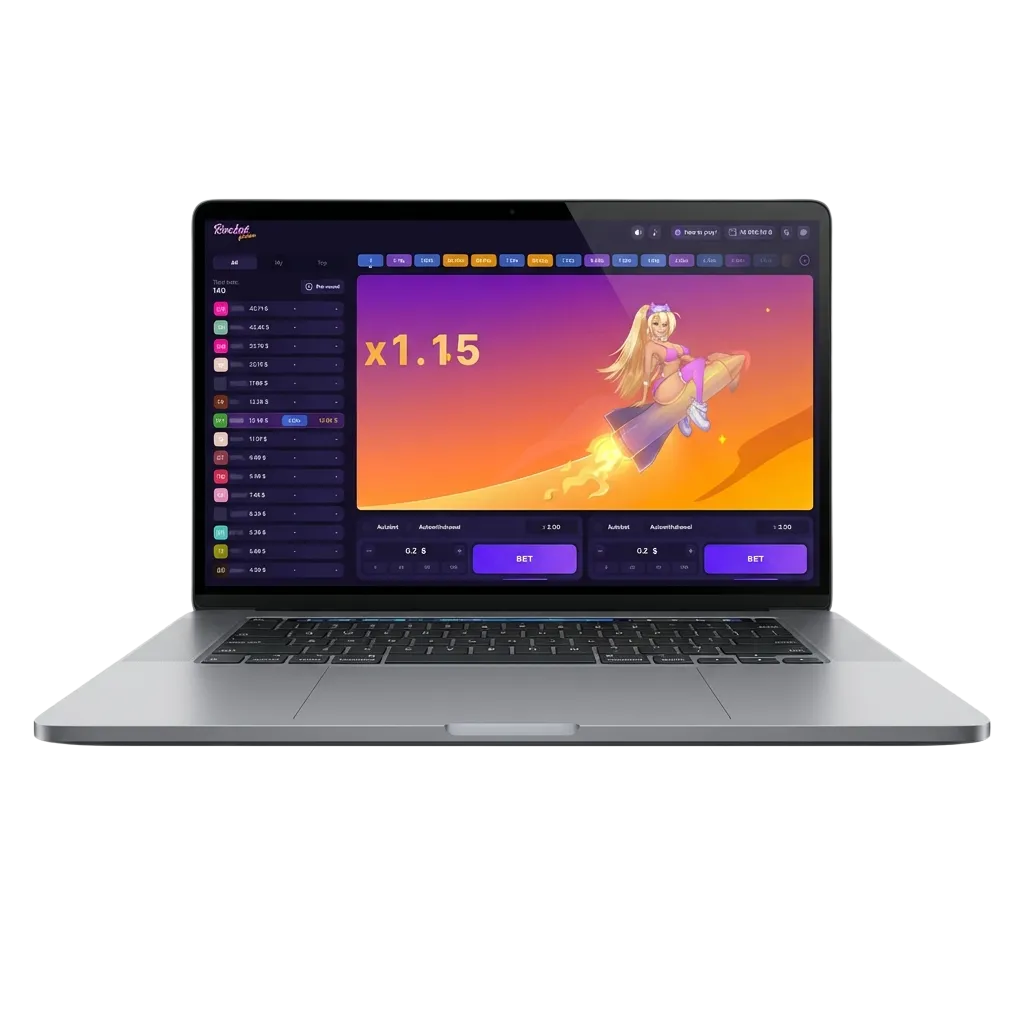
Rocket Queen stands out on our platform thanks to live statistics, real-time multiplier tracking, and the option to place two bets simultaneously. Developed by 1Win Games, this crash-style title has become a favourite in Ghana for its transparency and fast gameplay. You can watch the multiplier climb, decide when to cash out, and collect your winnings in seconds. The game’s combination of low-to-medium volatility and high RTP makes it appealing to a wide range of players.
| Feature | Details |
|---|---|
| Game Developer | 1Win Games |
| Release Year | 2023 |
| Type of Game | Crash Game |
| Demo Version | Yes |
| Supported OS | Android, iOS, Windows, macOS |
| Languages | English, French, Portuguese, and more |
| Welcome Bonus | 500% bonus up to 6,560 GHS on first 4 deposits or 600% with crypto |
| RTP | 97.2% |
| Min. Bet | 0.40 GHS |
| Max. Bet | 8,000 GHS |
| Payment Methods in Ghana | Telecel, AirtelTigo, Crypto |
Benefits of Playing Rocket Queen on 1win
If you’re deciding where to play Rocket Queen, these advantages will help you choose the right platform. We give you tools and features that improve your experience and boost your chances.
Live Statistics Dashboard
Track recent multipliers and player cash-outs to inform your next move.
Dual Betting Option
Place two bets per round and diversify your strategy for better coverage.
High RTP of 97.2%
Enjoy one of the fairest payout rates in the crash game category.
Multi-Platform Access
Play on desktop, mobile browser, or app without losing any features.
24/7 Live Chat Support
Get instant help in English whenever you need it.
Rocket Queen Game Rules: How to Play?
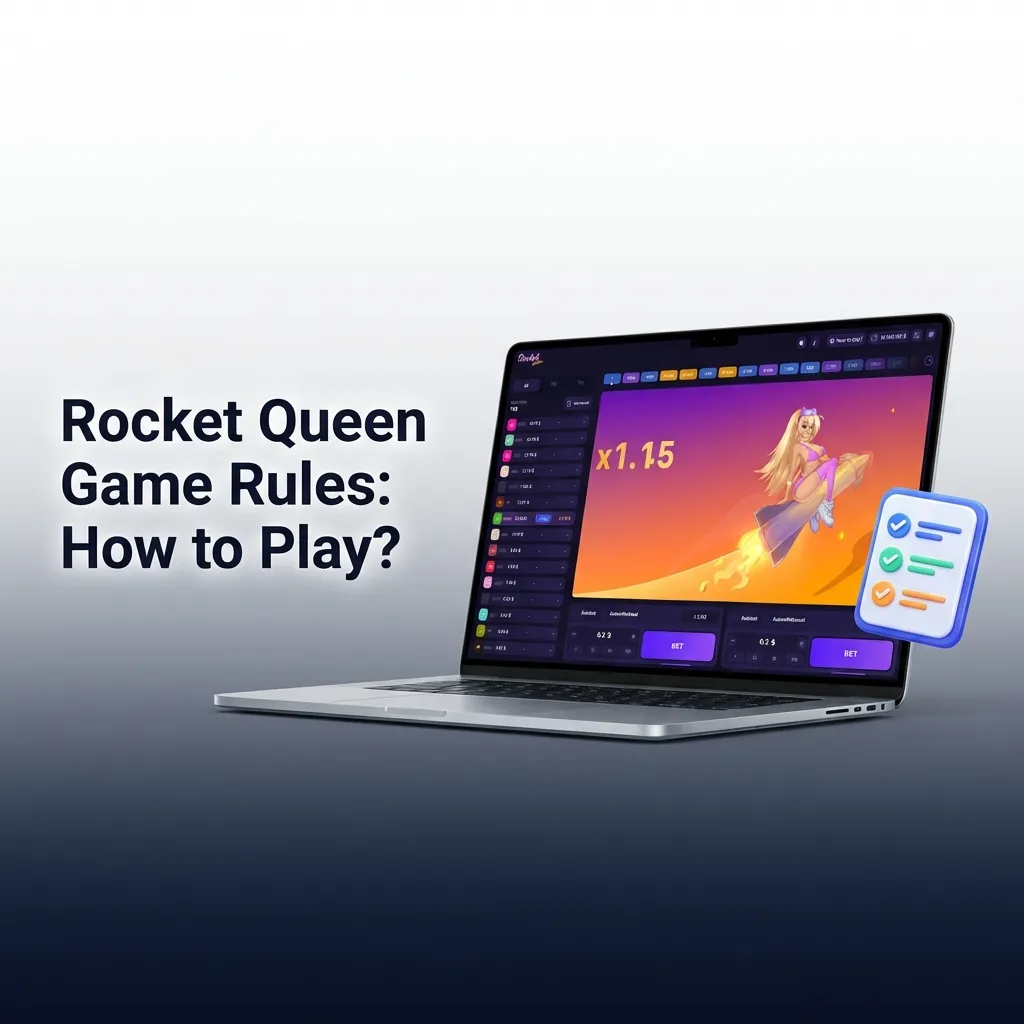
Rocket Queen follows the classic crash game format. A multiplier starts at 1.00x and climbs in real time. Your goal is to cash out before the rocket crashes. If you wait too long and the multiplier crashes, you lose your bet. You can place one or two bets per round. Each bet is independent, so you can cash out one early and let the other ride for a higher multiplier. The minimum bet is 0.40 GHS, and the maximum is 8,000 GHS. There are no complex rules or hidden mechanics. The outcome is determined by a provably fair algorithm, so you can verify each round’s fairness using the hash code displayed on screen.
1win Registration Process to Play Rocket Queen
Getting started takes less than two minutes. Follow these steps to create 1win account and launch the game.
Click the ‘1win Registration’ Button and Complete the Form
Tap the button below to open the registration page. Fill in your mobile number or email, create a secure password, and select GHS as your currency.
Make a Deposit
Go to the cashier section and choose a local payment method like Telecel or AirtelTigo. Deposit at least 10 GHS to qualify for the welcome bonus.
Verify Your Account
Upload a photo of your ID or passport through the account settings page. Verification usually completes within 24 hours and is required before your first withdrawal.
Launch the Game in the ‘Casino’ Section
Open the casino lobby, search for Rocket Queen, and click to start playing. You can switch between demo mode and real money at any time.
Rocket Queen Demo Mode: Play for Free
We let you try Rocket Queen in demo mode before risking real money. The demo uses virtual credits and mirrors the full game, including multiplier ranges, betting limits, and dual bet options. You won’t be able to withdraw winnings from demo play, but you’ll learn how the crash mechanic works and test different cash-out strategies. Switch to real-money mode once you feel confident.
Rocket Queen Welcome Bonus for Players from Ghana
We offer a welcome bonus of 500% up to 6,560 GHS on your first four deposits, or 600% if you deposit with crypto. This bonus is designed for new casino players from Ghana who want to play Rocket Queen with extra funds. To qualify, deposit at least 10 GHS and opt in during the deposit process. The bonus is credited instantly and carries a 30x wagering requirement. You must complete the wagering within 14 days. Each bet on Rocket Queen contributes 100% toward the requirement. The maximum bet per round while using bonus funds is 80 GHS.
Here’s how to claim it:
- Register a new account – Use the button above to open the sign-up form and complete all required fields.
- Make your first deposit – Choose Telecel, AirtelTigo, or crypto and deposit at least 10 GHS.
- Opt in to the bonus – Tick the welcome bonus checkbox before confirming your deposit.
- Receive your bonus instantly – The bonus will appear in your casino balance right away.
- Meet the wagering requirement – Play Rocket Queen or other eligible games to wager 30x the bonus amount within 14 days.
Use Promo Code for Rocket Queen 1win
You can unlock extra value when playing Rocket Queen by entering an exclusive 1win promo code during or after registration. Our current promo code is 1WGHANCOM500. Paste it into the promo code field on the sign-up page or in the cashier section before your first deposit to activate additional bonuses or free bets.
User-Friendly 1win App for Ghana with Rocket Queen
Ghanaian players can enjoy Rocket Queen on their smartphones using 1win mobile app or mobile-optimised website. Both options deliver the same core features as the desktop version, including live statistics, dual betting, and instant cash-outs. The app is built for speed and stability, even on slower 3G connections.
Instant Access
Tap the app icon and log in within seconds.
Push Notifications
Get alerts for new bonuses, tournaments, and game updates.
Offline Account Management
View your balance and transaction history without an active internet connection.
Touch-optimised Controls
Place and cash out bets with a single tap.
Smaller File Size
The Android APK is under 50 MB and installs quickly.
System Requirements
| Platform | Minimum OS | Storage | RAM |
|---|---|---|---|
| Android | 5.0 | 50 MB | 1 GB |
| iOS | 11.0 | 60 MB | 1 GB |
Download 1win App for Android (APK) to Play Rocket Queen
Installing our Android app takes less than a minute. Follow these steps to get started.
Find and Tap the Mobile App Download Button Below
Scroll to the button at the bottom of this section and tap it. Your browser will download the APK file to your device.
Run the Downloaded APK File
Open your device’s download folder and tap the APK file. A prompt will appear asking for permission to install.
Allow Installs From Unknown Sources in the Device Settings
If your phone blocks the installation, go to Settings > Security > Unknown Sources and enable it. Return to the APK file and tap it again.
Complete Installation and Open the App to Register or Log In
Wait for the installation to finish, then tap ‘Open’. Log in with your existing account or register a new one directly from the app.
How to Get 1win iOS App to Play Rocket Queen
iOS users can add Rocket Queen to their home screen using our web app. This creates a shortcut that behaves like a native app icon.
Visit the Site in Safari on iPhone or iPad
Open Safari and go to our homepage. Make sure you’re using Safari, as other browsers don’t support the Add to Home Screen feature.
Tap the iOS Button Near the Bottom of the Homepage
Scroll down and look for the iOS download button. Tap it to trigger the installation instructions.
Use the ‘Share’ Button in the Browser
Tap the Share icon at the bottom of Safari’s screen. It looks like a square with an arrow pointing up.
Select ‘Add to Home Screen’
Scroll through the options and tap ‘Add to Home Screen’. Give the app a name if you want, then tap ‘Add’.
Confirm to Finish
The app icon will appear on your home screen. Tap it to open the site in full-screen mode and start playing Rocket Queen.
Responsible Gaming: How to Minimise Risks?
Gambling should remain a form of entertainment, not a source of income. Set a budget before you start playing Rocket Queen and stick to it, no matter what happens during your session. Learn how the game works by playing in demo mode first so you understand the crash mechanic and the volatility. Use our deposit and loss limits to prevent overspending. These responsible gaming tools are available in your account settings and take effect immediately. If you notice that playing Rocket Queen or any other game stops feeling fun and starts causing financial stress, anxiety, or conflict with family members, stop playing right away. Reach out to a mental health professional or a local support service in Ghana for help. Gambling can become addictive, and seeking support early makes recovery easier.

How to Win: Best Tips for Rocket Queen?
These strategies can help you manage risk and improve your results in Rocket Queen.
Use the dual bet feature to hedge risk
Place a low multiplier cash-out on one bet (for example, 1.5x) and let the other ride for a higher target. This balances steady returns with the chance for bigger wins.
Study live statistics before betting
Review recent crash points to spot patterns. If the last five rounds crashed below 2.0x, the next round might trend higher, though outcomes remain random.
Set a stop-loss and stick to it
Decide in advance how much you’re willing to lose in a session. Once you hit that limit, log out and return another day.
Local Payment Methods for Ghana
We support convenient local payment methods for deposits and withdrawals in Ghana. You can fund your account using Telecel, AirtelTigo, or crypto. Each option is processed quickly and securely. Deposits are instant for all methods. Withdrawals via mobile money take 1–3 hours, while crypto withdrawals usually complete within 30 minutes. There are no hidden fees on our side, though your mobile network or crypto wallet may charge a small transaction fee.
| Payment Method | Min–Max Deposit | Min–Max Withdrawal | Time |
|---|---|---|---|
| Telecel | 10 – 50,000 GHS | 20 – 50,000 GHS | Instant / 1–3 hours |
| AirtelTigo | 10 – 50,000 GHS | 20 – 50,000 GHS | Instant / 1–3 hours |
| Crypto (BTC, USDT) | 10 – 100,000 GHS | 20 – 100,000 GHS | Instant / 10–30 mins |
FAQ
Can I play Rocket Queen on my phone in Ghana?
Yes. You can play Rocket Queen on any smartphone or tablet using our mobile app or mobile-optimised website. Both options deliver the same features as the desktop version.
Is there a demo version of Rocket Queen available?
Yes. We offer a free demo mode that lets you test the game without risking real money. The demo uses virtual credits and mirrors the full game experience.
How fast are withdrawals after playing Rocket Queen?
Withdrawals via Telecel or AirtelTigo usually take 1–3 hours. Crypto withdrawals are faster, typically completing within 10–30 minutes.
What is the minimum bet for Rocket Queen?
The minimum bet is 0.40 GHS. This makes the game accessible to players with smaller budgets.
Does Rocket Queen support provably fair gaming?
Yes. Every round of Rocket Queen uses a provably fair algorithm. You can verify the fairness of each result by checking the hash code displayed on screen.
Updated: